
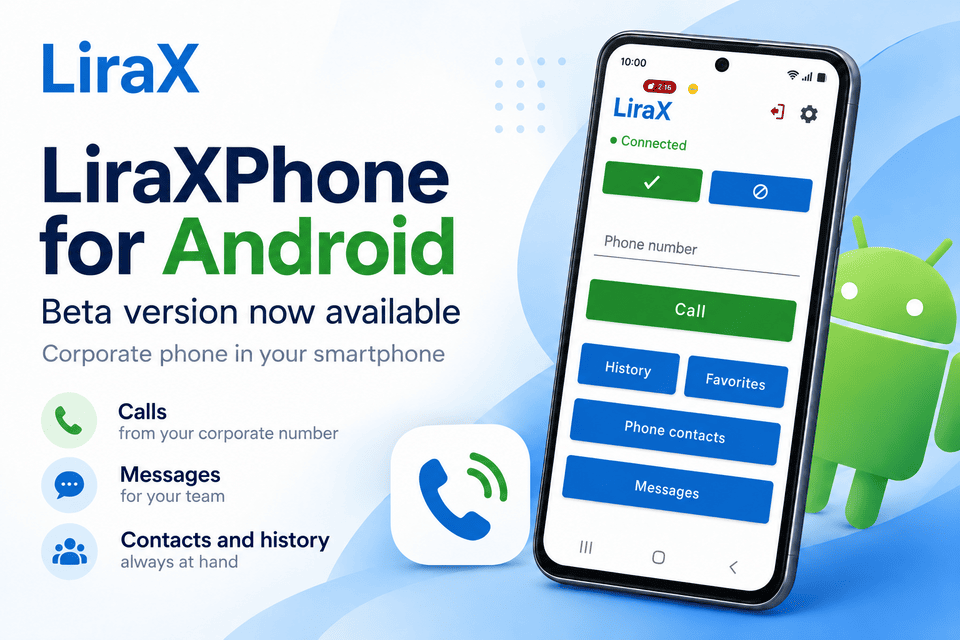
The current version of LiraXPhone allows:

🔵 make outgoing calls;
🔵 receive incoming calls;
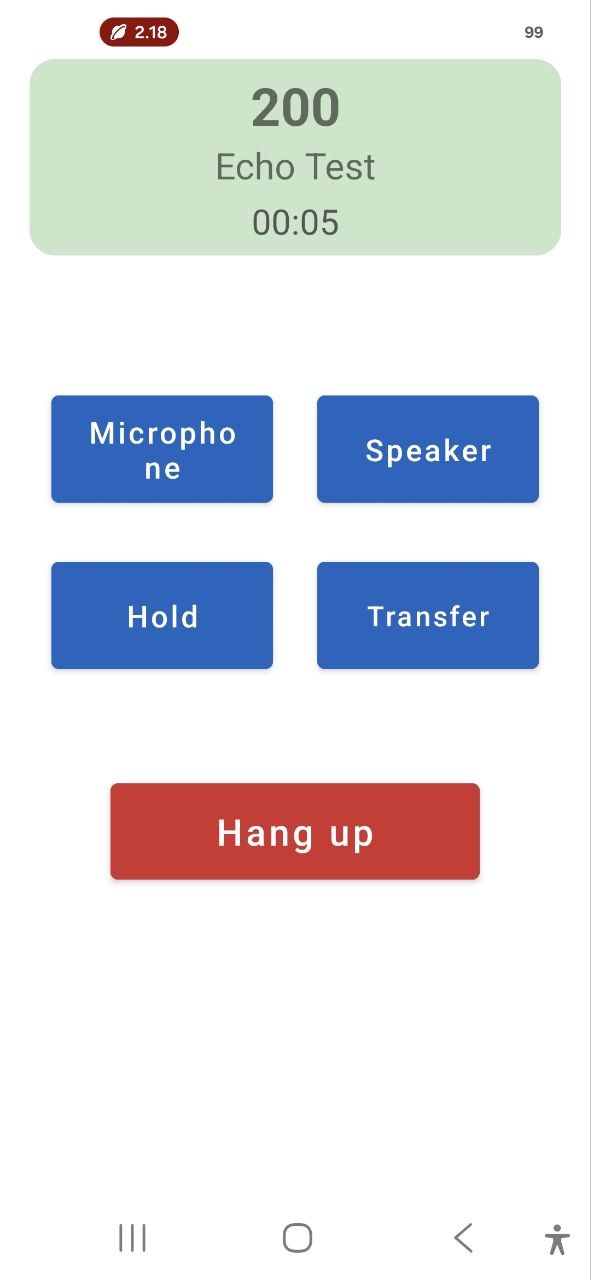
🔵 control the microphone and speakerphone;
🔵 put a call on hold;
🔵 transfer a call;
🔵 work with the second line;
🔵 merge calls into a conference;
🔵 use Bluetooth headsets and other audio devices;
🔵 receive notifications of incoming calls and messages.

The application uses WebRTC for voice transmission, which allows you to organize secure voice communication over the Internet without being tied to a mobile operator.
The most familiar call interface

One of our goals is to make working with LiraXPhone as similar as possible to a regular phone call.
The application automatically works with the available audio devices of the smartphone:
🔵 a conversational speaker;
🔵 loud speaker;
🔵 Bluetooth headsets;
🔵 wired headsets.

During a call, the smartphone's proximity sensor is also used: when the phone is near your ear, the screen can automatically turn off, just like during a regular mobile call.

We pay special attention to the correct operation of audio on different smartphone models, as the implementation of Bluetooth, volume control, and audio routing can differ significantly between Android device manufacturers.
LiraX Calling

Second line and call forwarding

LiraXPhone focused not only on simple telephone conversations, but also on the full-fledged work of employees with corporate telephony.

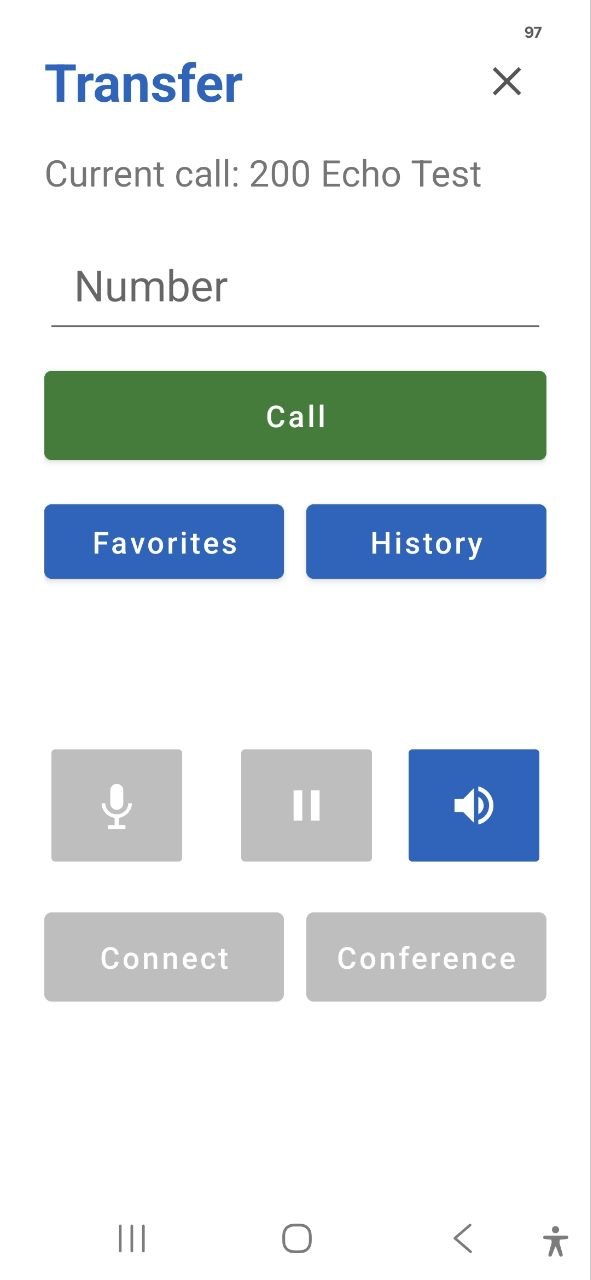
During an active call, you can create a second line, call another subscriber, and after the connection is established:
🔵 return to the first call;
🔵 transfer the call;
🔵 join subscribers into a conference.

This is especially important for operators, managers, support services, and other employees who regularly work with a large number of calls.
LiarXPhone Transfer screen

Why Beta?

Android works on a huge number of devices with different operating system versions, Bluetooth modules, firmware, and power management features.

That's why it's important for us to test LiraXPhone in real-world conditions before a full release:
🔵 on smartphones from different manufacturers;
🔵 з various Bluetooth headsets;
🔵 via Wi-Fi and mobile Internet;
🔵 when the application is running in the background;
🔵 during long conversations;
🔵 when switching between different audio devices.

The beta version already contains basic functionality, but during testing, individual errors or peculiarities of operation on specific smartphone models are possible.

We invite you to test

If you already use LiraX telephony, we would be grateful for your participation in testing the Android version of LiraXPhone.

Feedback on:
🔵 sound quality;
🔵 incoming calls;
🔵 Bluetooth headsets;
🔵 switching between speaker and headset;
🔵 application running in the background;
🔵 call forwarding and second line;
🔵 the behavior of the application on specific smartphone models.

When reporting a problem, it is advisable to indicate the smartphone model and Android version - this will greatly help us in diagnostics.

What's next?

Beta testing is the next important stage in the development of LiraXPhone.

We continue to work on the stability of the application, compatibility with various Android devices, and the convenience of working with corporate calls.

After testing is complete and any identified issues are resolved, the Android version of LiraXPhone will move to a full release.

LiraXPhone for Android — your corporate phone is now always with you.

Download the app?

By downloading the application, you agree that there may be flaws in the program.

Download