
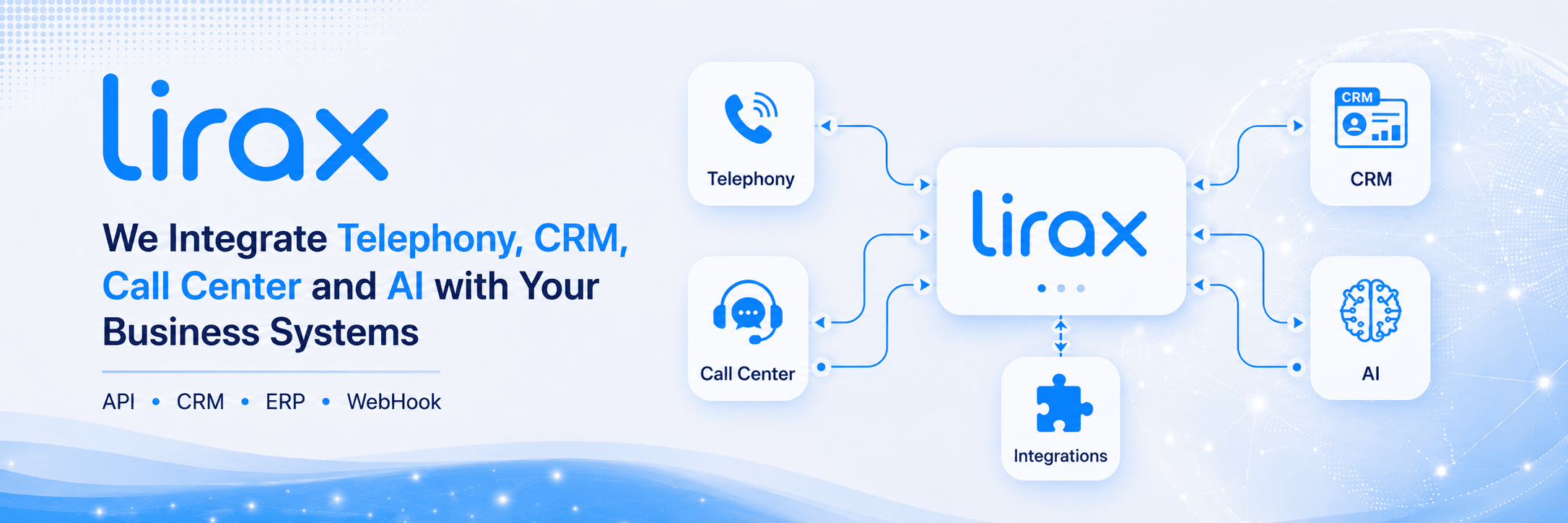
LiraX has ready-made integrations with popular CRM and business systems, supports API, web library for phone integration, Chrome Extension for systems without API, and accepts orders for new integrations.

LiraX has ready-made integrations with Zoho, Microsoft Dynamics, OneBox, SalesDrive, Pipedrive, Kommo and other CRM and business platforms.
Integrations with medical products, including iClinic and Doctor Eleks, are supported for working with calls, patients, records, and case history.
Integration with websites, callback forms, applications, personal accounts, and internal company web services is possible.
LiraX can integrate with social media and messenger channels to combine calls, requests, and communications into a single process.
For non-standard systems, standard general integration is available, which can be adapted to the customer's specific work scenario.
If the product you need is not on the list, we can assess the possibility of integration and make modifications to your business process.
If a CRM or business system has an API, LiraX can use it to transfer calls, statuses, conversation records, customers, tasks, and events.
A third-party product developer can use our web library to integrate telephony directly into their interface. This allows them to add calls, phone state management, and telephony events to their web product.
A developer can use our API to exchange data with LiraX. The LiraX Integration API documentation can be downloaded from our website.
If the product does not have an API or integration via API is not possible, LiraX can use a Chrome Extension from the Chrome Web Store or an extended version from our website.
The Chrome extension allows you to integrate LiraX with web systems that do not have an API or do not allow for quick server-side integration.
The extension can find phone numbers in the web interface of a third-party system and allow the operator to initiate a call with one click.
During a call, you can transmit context: page, customer card, number, system name, or other information that helps the operator.
Chrome Extension can help reduce manual work: copying numbers, searching for a client, opening a card, or recording the result of a call.
This approach allows you to quickly launch integration where classic API integration is too long, expensive, or technically limited.
For more complex scenarios, an advanced version of the Chrome Extension can be used, which can be downloaded from the LiraX website.












Incoming and outgoing calls, call status, customer number, operator, duration, result and reason for termination.
A link to a conversation recording or recording data can be transferred to a CRM, customer card, or external system.
You can open or create a customer card by phone number, transfer customer data to the operator, or save the history of calls.
After the call, you can create tasks, change the status of the request, record the outcome of the conversation, or transfer the next action.
Recognition results, conversation summary, subject of the request, emotions, customer problems, or quality rating can be transferred to CRM or API.
Queues, agents, groups, skills, statistics, missed calls, and workload can be used for analytics and management.
We look to see if the third-party product has an API, webhooks, access to customer cards, the ability to open URLs, or integrate JavaScript.
We use a third-party product API, our LiraX API, the phone's web library, or a Chrome Extension — depending on the system's capabilities.
We configure calls, context transfer, conversation recordings, statuses, tasks, customer cards, AI results, or other necessary actions.
Documentation for developers who want to integrate an external system with the LiraX API.
View documentationAn extended version of the Chrome Extension for integration with web systems and products without APIs.
Download ZIPA library for integrating a phone into a third-party product's web interface.
Open GitHubWrite what system you want to integrate LiraX with, whether it has an API, what data needs to be transferred, and what script should work.
Write your contact details and we will contact you.