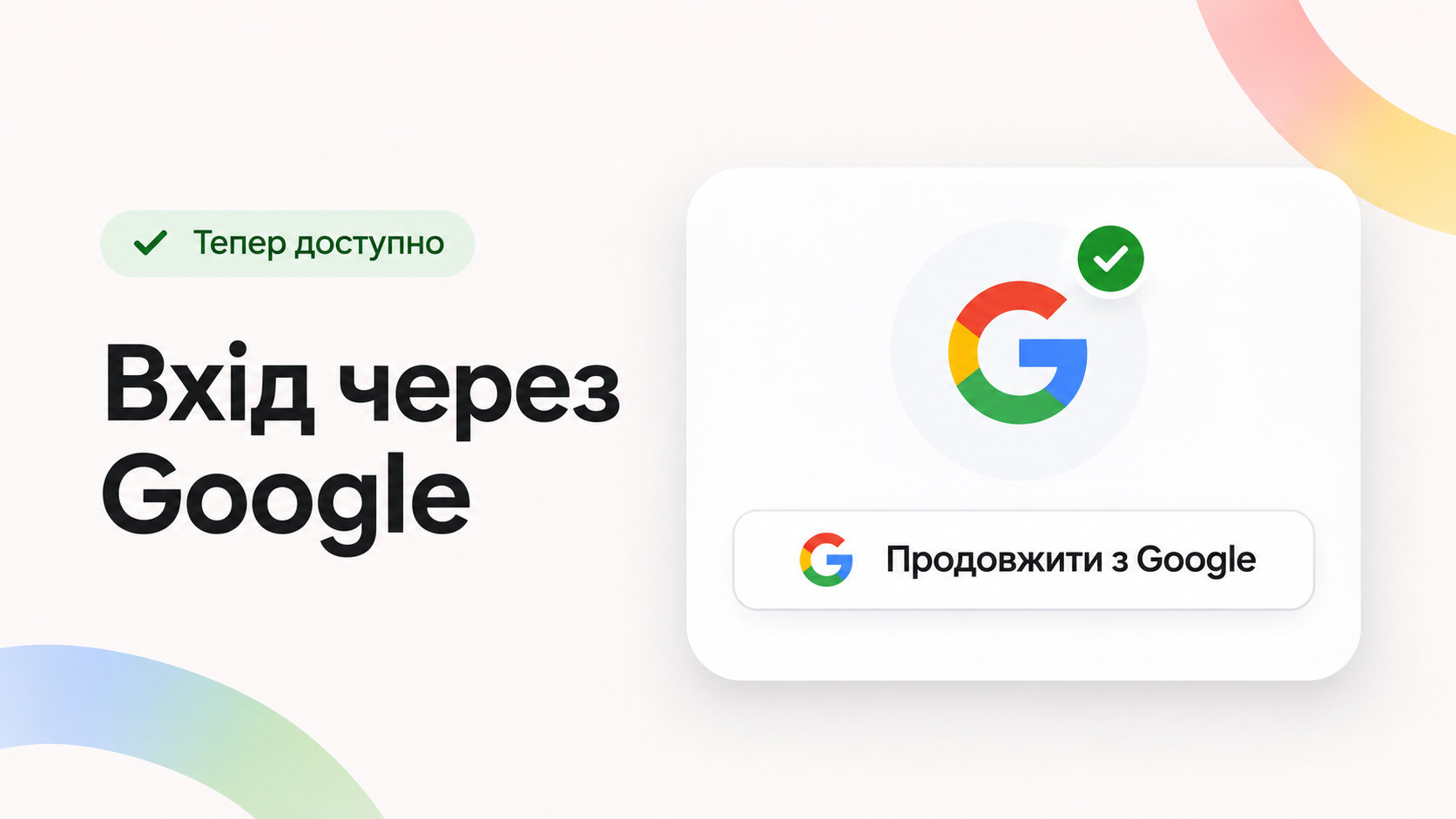
LiraCRM now supports Google account login. Now users can log in to the system without entering a separate LiraCRM password — just select their Google account and confirm the login.

This simplifies the daily work of operators and allows companies to more conveniently organize employee access to LiraX services.

🔐 Why use Google sign-in?

Authorization via Google allows you to use an existing account instead of a separate password for LiraCRM.

If two-step verification is enabled on your Google Account, it can also be used to confirm your login.

Main advantages:

  • Fewer passwords — you don't need to remember a separate password to log in to LiraCRM.
  • Convenient authorization — the operator can quickly log in using their Google account.
  • Additional protection — the ability to use Google's security mechanisms, including two-step verification.
  • Flexible access control — you can configure Google addresses for a LiraCRM user and their SIP clients.
👤 One Google account or multiple?

LiraCRM allows you to use Google authorization for both system users and SIP clients.

Depending on the organization of work, you can choose one of two approaches.

👤 One Google account for user and SIP clients

If an employee uses one Google account, it can be linked to a LiraCRM user for authorization in the relevant services.

This is a convenient option for those who want to use one address for work.

📱Separate Google accounts for different devices

If your company needs to share access across devices or SIP clients, you can use different Google addresses.

For example:

  • LiraCRM in the browser — the employee's primary Google account.
  • LiraX Phone Chrome Extension — a separate address for the browser SIP client.
  • LiraX Phone for smartphone — another address for the mobile SIP client.

This approach allows you to organize access to telephony from multiple devices according to the company's needs.

Importantly

Google addresses assigned to users and SIP clients must be unique.

💻 How to log in to LiraCRM via Google?

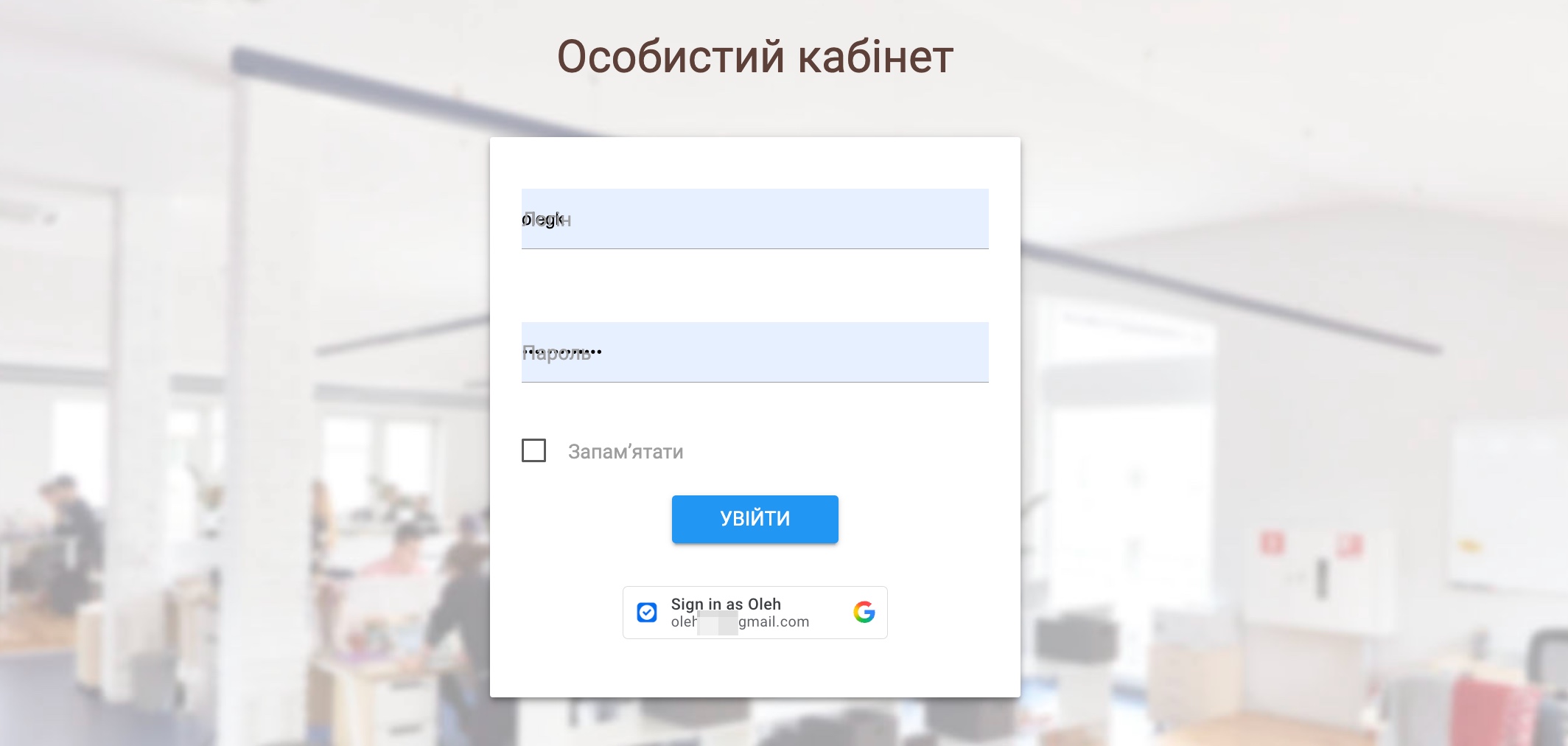
The authorization process consists of several simple steps:

  1. Open the LiraCRM login page.
  2. Choose Google authentication.
  3. Select the desired Google account.
  4. Confirm your sign-in if Google asks for additional verification.
  5. After successful authorization, you will be taken to LiraCRM without entering a separate password.
Importantly

To use this login method, a Google account must first be linked to the corresponding user.

📱 Google authorization in LiraX Phone

The ability to log in via Google is also being developed for LiraX phone clients.

LiraX Phone Chrome Extension — google authorization support is being implemented, which will allow users to log in to the extension using a linked Google account.

LiraX Phone mobile application — is under development. It also allows the use of a separate Google account.

Thus, companies will be able to more flexibly organize employee authorization in LiraCRM and LiraX telephone clients.

🚀 More convenient access to LiraX services

Logging in via Google is another step towards simplifying your work with LiraCRM.

It allows you to reduce the number of separate passwords, use Google's security mechanisms, and flexibly configure user and SIP client authorization.

Use LiraCRM with a new authorization method and organize team access according to your business needs.

Need a consultation?

Leave a request and we will help you choose a LiraX solution for your business.