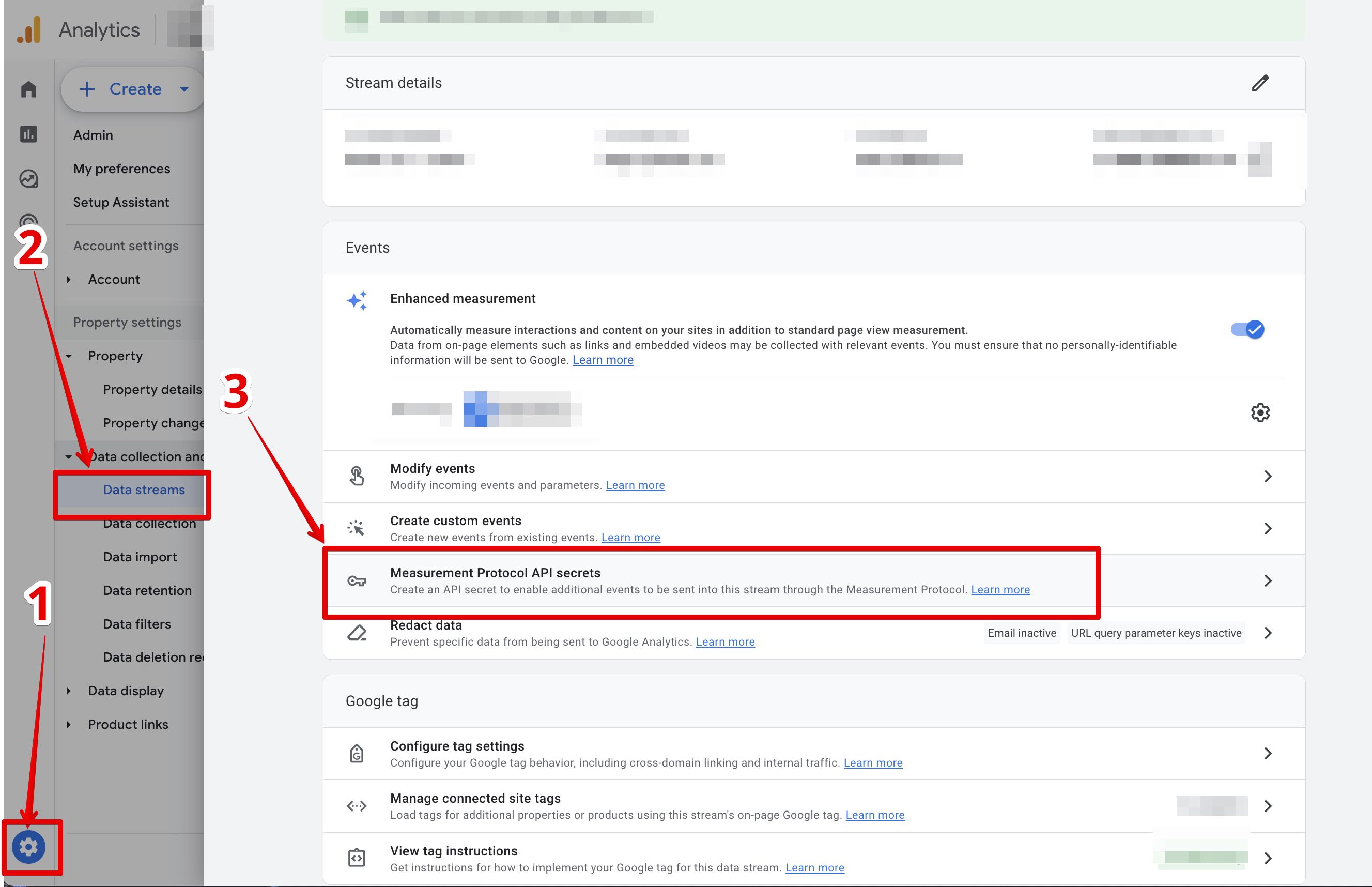
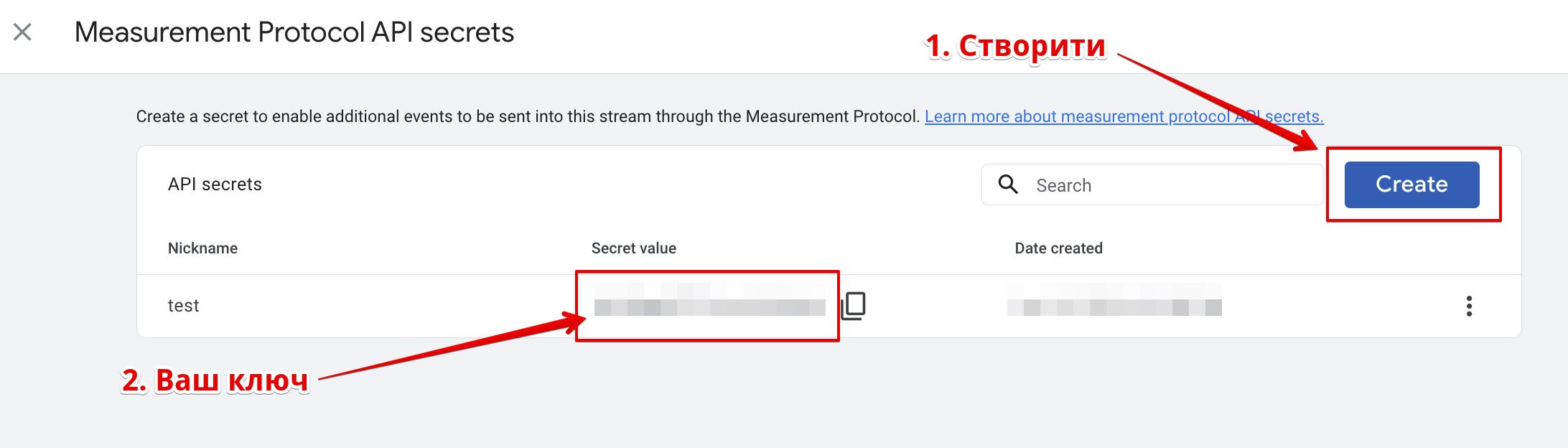
All call data is transmitted with the name of the phone starting with LiraX_
For example: LiraX_CallBackProper, LiraX_CallTracking, LiraX_CallTrackingAnswerAnswered, LiraX_CallTrackingAnswerLost
You can read a detailed description of the events in our article:
Information about events in GA4
We also transmit additional data about the call:
Data we transmit to G4
- type=Answered (ep.val>0), Proper (ep.val>60 sec), Lost (ep.val=0)
-- Answered (duration > 0) – call with answer
-- Proper (last > 60 sec) – a call with an answer that lasted longer than a certain number of seconds
-- Lost (duration = 0) – call that was not answered (did not pick up the phone)
- duration=0
- user=user1 – employee login
- val=26 – call duration, in seconds