Telephony and CRM in one workflow

When working with clients, it is important for a manager to have all the necessary information at hand and spend as little time as possible on additional actions.

LiraX Phone Chrome Extension integration with Sitniks combines telephony with CRM work. The manager can make calls directly from Sitniks, automatically open the desired contact during an incoming call, and save information about the conversation in his card.

You don't need to install a separate program to work with calls — LiraX Phone works as an extension for Google Chrome.
📞 Call directly from Sitniks

When a client calls, after accepting the call, LiraX Phone automatically opens the corresponding contact card in Sitniks.

The manager immediately sees information about the client and can work with it during the conversation without manually searching for the contact.

📞 Call directly from Sitniks

What does LiraX Phone integration with Sitniks allow?

👤 Automatically open contact on incoming call

When a client calls, after accepting the call, LiraX Phone automatically opens the corresponding contact card in Sitniks.

The manager immediately sees information about the client and can work with it during the conversation without manually searching for the contact.

👤 Automatically open contact on incoming call

📝 Store call information

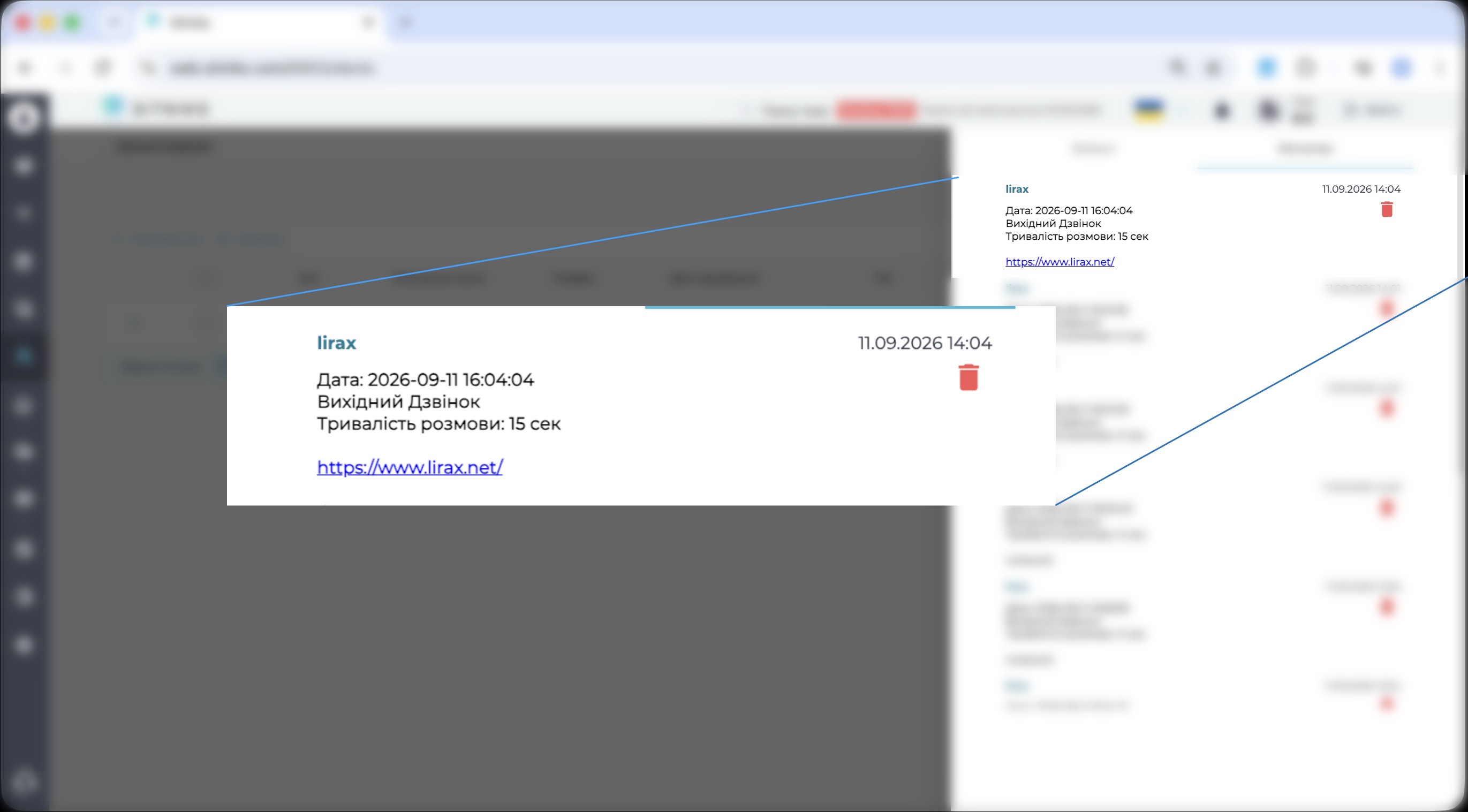
After the conversation ends, the call information is added to the contact card as a note.

It stores basic call data:
- call direction;
- date and time;
- duration;
- link to the conversation recording.

Thus, the history of telephone communication with the client remains directly in Sitniks.

📝 Store call information

What does this look like in practice?

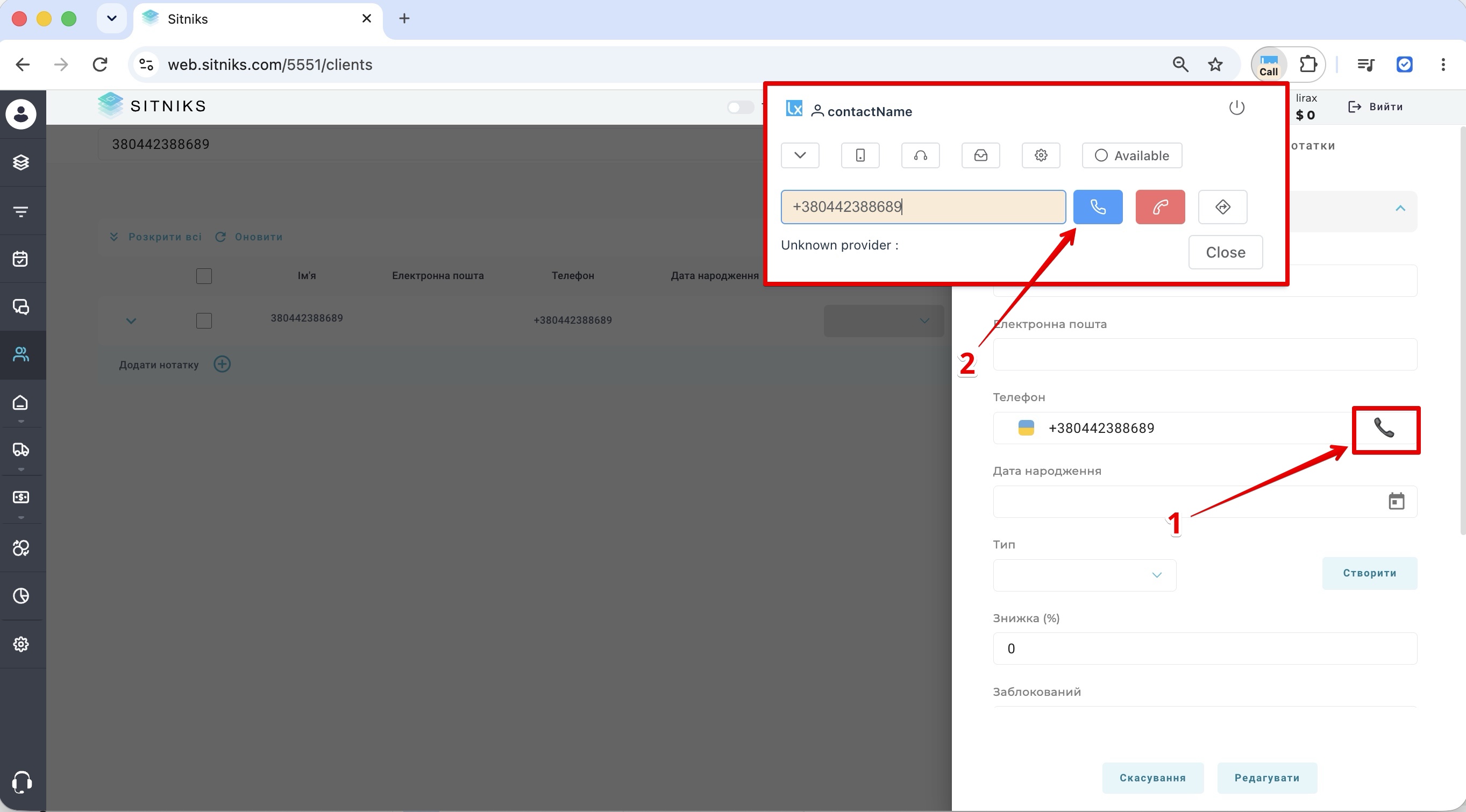
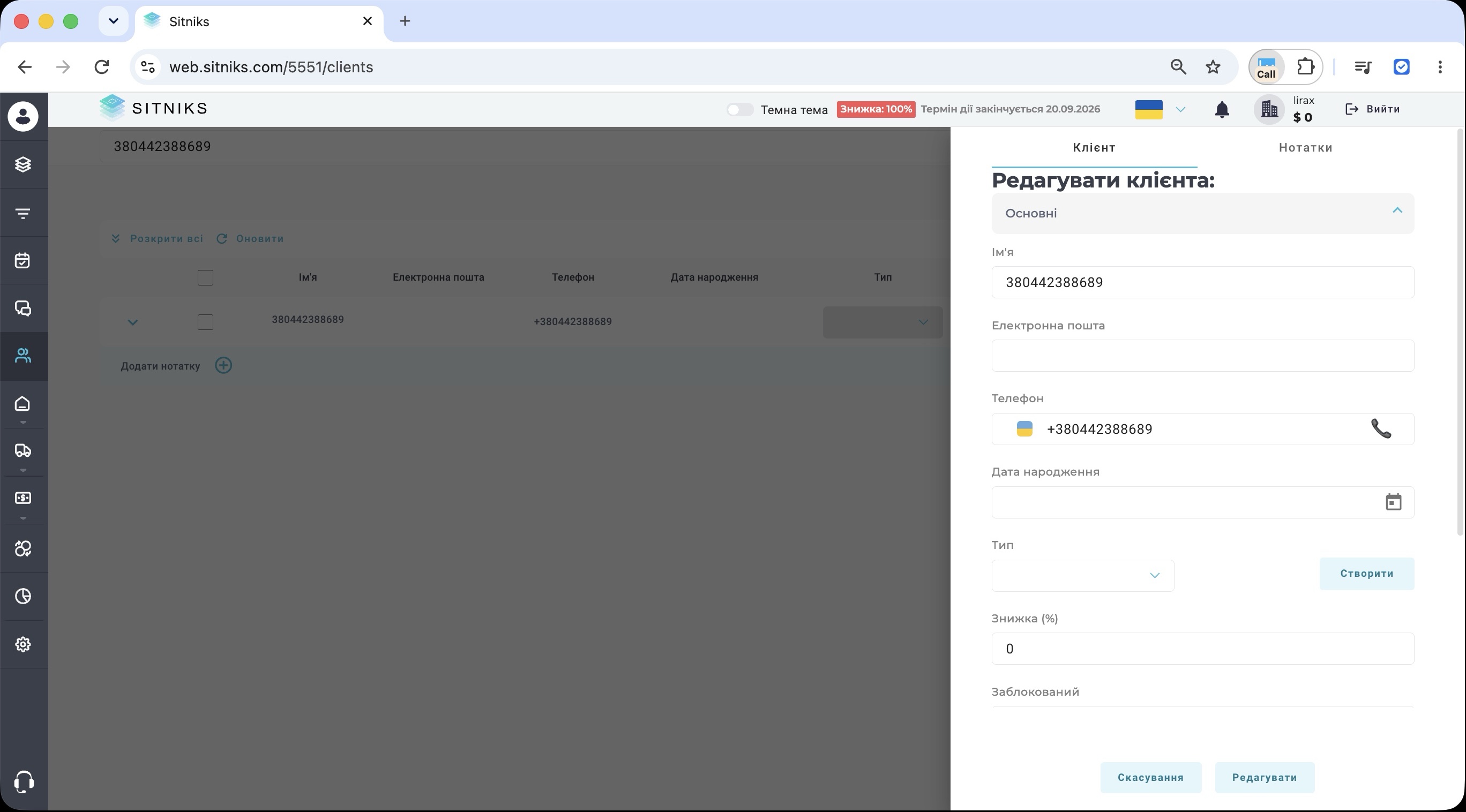
When making an outgoing call, the manager opens a contact in Sitniks and presses the call button. The number is transferred to LiraX Phone, where it remains to confirm the call.

When a call comes in, the manager accepts the call in LiraX Phone, after which the corresponding contact card in Sitniks automatically opens.

After the conversation ends, information about the call and a link to its recording are saved in the contact card.
Short demos of outgoing and incoming calls are available in our step-by-step guide to setting up the integration.

What is needed for the integration to work?

Integration works through Local LiraX Phone Chrome Extension.

To work you need:

- install LiraX Phone in Google Chrome →
- log in to LiraX Phone;
- enable integration with Sitniks in LiraCRM;
- log in to Sitniks.

After configuration, the manager must be simultaneously authorized in LiraX Phone and Sitniks.

The detailed process of connecting, configuring, and testing the integration is described in a separate step-by-step guide.

👉 Configure LiraX Phone + Sitniks integration →

Less manual intervention when handling calls

LiraX Phone integration with Sitniks removes some of the daily manual operations when working with telephony.

The manager does not need to copy numbers to make calls, manually search for a contact when receiving an incoming call, or separately search for a recording of a conversation.

As a result, the main process remains within the familiar working environment:

contact in Sitniks → call via LiraX Phone → conversation → information and entry in the contact card.

How to enable integration

If you already use Sitniks, the integration can be enabled via the LiraX Phone Chrome Extension.

In the step-by-step instructions, we showed how to install the extension, activate the integration, and test its operation, and also added short demonstrations of basic scenarios.

👉 View LiraX Phone + Sitniks manual →

If you need help connecting or integrating LiraX with another CRM, please contact our technical support.

Need a consultation?

Leave a request and we will help you choose a LiraX solution for your business.