
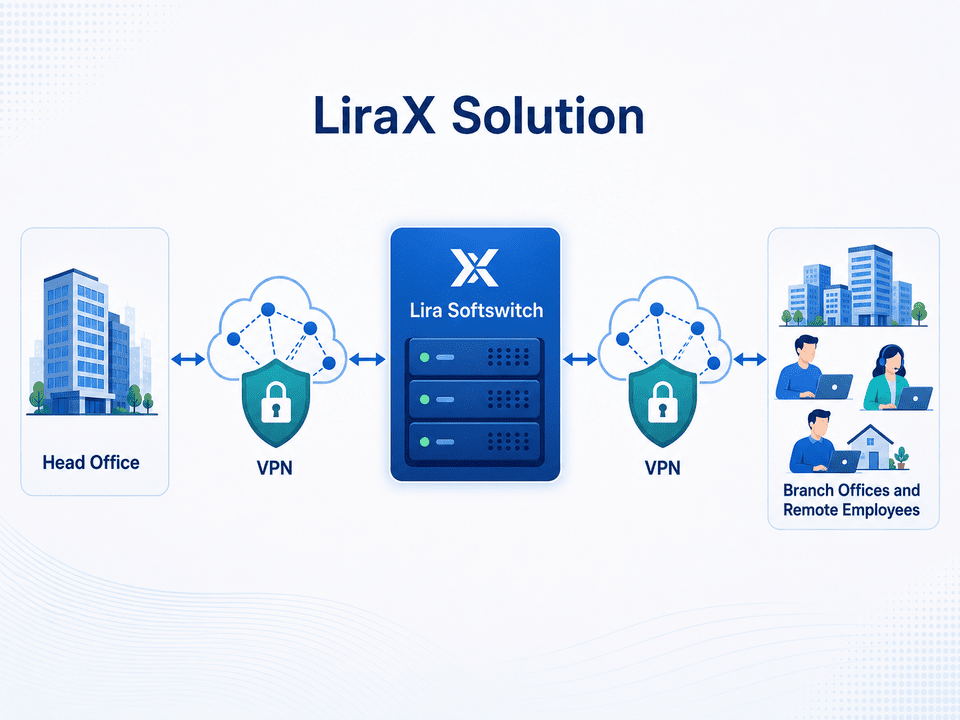
Get the capabilities of the LiraX cloud platform on your own infrastructure — with full control over data, APIs for integrations, and support for isolated private networks.
Key benefits:
An on-premise solution is a software telephony platform that is installed in the client's own infrastructure or in a data center of their choice.
The client receives functionality similar to the LiraX cloud service, but the server, settings, telephone connections, and data remain under his control.
The solution is suitable for companies that need:
The client does not receive a simplified PBX, but a full-fledged local platform.
The functionality of the system can be adapted to the business processes, infrastructure, and security requirements of a specific client.
Basic functionalities:
The main characteristic of the license is not the number of registered users, but the maximum number of simultaneous telephone connections.
A simultaneous connection is an active voice channel used during a call. The number of registered extensions can be greater than the number of simultaneous connections.
| Configuration | Simultaneous connections | Who is it suitable for? |
|---|---|---|
| Lira 10 | up to 10 | small offices, local divisions, small teams |
| Lira 30 | up to 30 | medium-sized businesses, sales and support departments |
| Lira 60 | up to 60 | contact centers, distributed companies, large departments |
| Lira Unlimited | without license restrictions | large enterprises, operators and large-scale infrastructures |
Telephony without dependence on public server access
The Lyra softswitch can operate in an internal or completely isolated enterprise network. For users to access the web interface, it is enough to:
1. Install an SSL certificate;
2. Assign a domain name to the server;
3. Add the domain name and IP address mapping to the internal DNS system or hosts file.
Example:
192.168.10.20 lira.company.local
After that, users can open the system at the secure address:
https://lira.company.local
For corporate use, it is better to note that centralized internal DNS is the preferred option, and the hosts file is suitable for small installations or testing.
Private network over the public internet
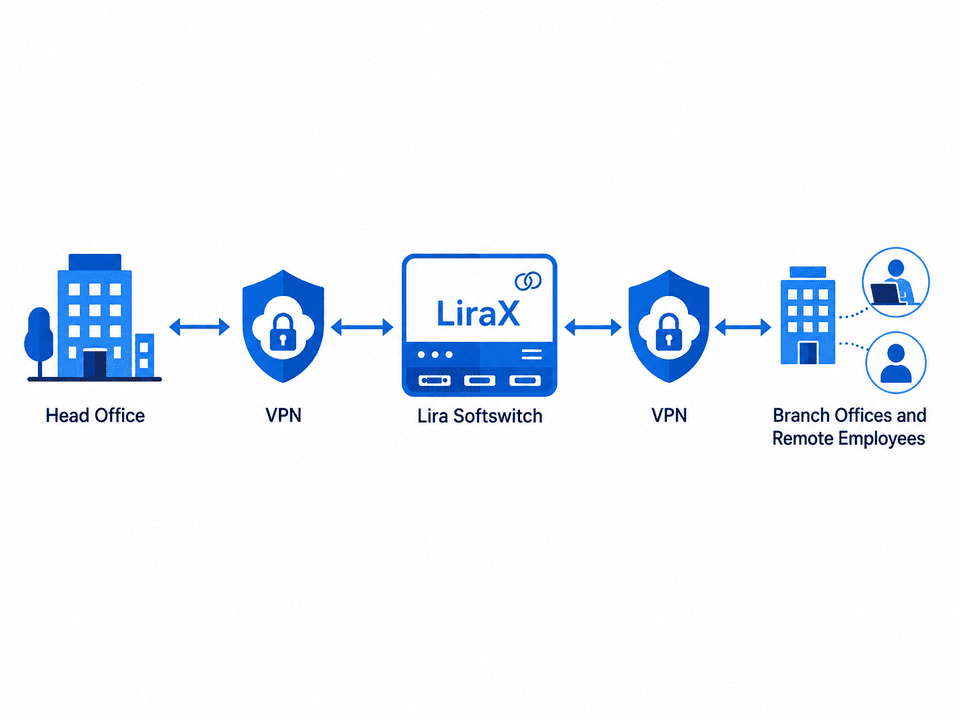
The Lyra Softswitch has built-in VPN capabilities that allow you to connect remote offices, servers, and workstations into a shared private network.
What does this give:
Open API for your business systems
The client receives an API through which the local platform can be integrated with:
API can only be accessible within the client's private network, without being published on the Internet.
Examples of API usage:
The solution can be installed:
On the client's physical server
For businesses that use their own server equipment.
In a virtual machine
For infrastructure based on VMware, Proxmox, Hyper-V, KVM or other virtualization platforms.
In a private data center
For customers who rent a server but want to control the software platform themselves.
In a closed network loop
For enterprises with increased requirements for isolation, security and information storage.
Data and conversation records are stored in our own infrastructure.
Branches can be combined into a single telephone and private network.
Support for a large number of operators, queues, scripts, and simultaneous calls.
API allows you to create your own solutions and deep integrations.
The system can operate in an internal loop without direct access from the Internet.
Unlimited configuration can be used as the basis for your own telephone services.
| Characteristic | Cloud LiraX | Local Lyra |
|---|---|---|
| Placing | liraX infrastructure | client server |
| Server maintenance | LiraX | client or LiraX under contract |
| Data control | within the cloud service | full client control |
| Working without public internet | limited | possible |
| Isolated network | depends on configuration | supported |
| API | available | available locally |
| Scaling | change cloud tariff | change of license or server resources |
| VPN | by configuration | built-in service |
| Limitation | according to the tariff | 10, 30, 60 or unlimited simultaneous connections |
Important principles
Determining the number of users, channels, offices, and integrations.
License for 10, 30, 60 or unlimited simultaneous connections.
Physical server, virtual machine or private data center.
Software deployment and basic setup.
Certificate, DNS or hosts, VPN, access rules.
SIP operators, gateways, extensions and workstations.
Connecting CRM and other client systems.
Testing scenarios, load, connection quality, and fault tolerance.
Get LiraX capabilities in your own infrastructure: corporate telephony, API, local data storage, isolated operation mode, and private VPN network.
Write your contact details and we will contact you.